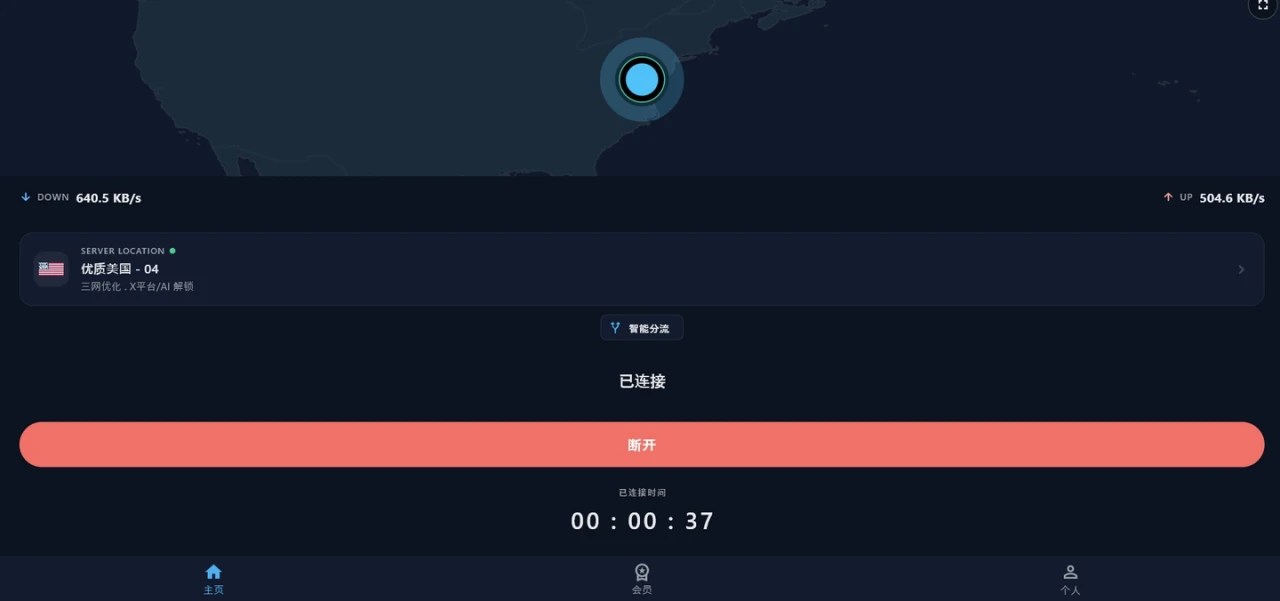
Smart routing
On by default on Android: major mainland sites go direct, overseas traffic takes the tunnel. Windows runs a whole-machine tunnel — no split there yet.
Yuanhang — your global voyage.
A clean, fast network for cross-border traffic. Built for people who need overseas content to load like it's local.
Android and Windows available now · free to start
From the network layer to the client experience, every choice is grounded in real day-to-day use.
On by default on Android: major mainland sites go direct, overseas traffic takes the tunnel. Windows runs a whole-machine tunnel — no split there yet.
Deployed across Asia, North America and Europe — the lowest-latency path is picked for you.
No browsing logs. Per-device authentication; revoke any session at any time.
Reconnects automatically on network changes, with low background battery use.
Native clients cover two platforms, Android and Windows. Sign in again on a new device — no re-registration.
The Android install is under 30 MB and the Windows installer about 46 MB, neither with embedded ads or analytics SDKs.
An APK on Android, an installer on Windows.
On Android, allow installs from unknown sources the first time.
Sign in, tap connect. On a new device, just sign in again.
Connect once — the world’s most popular platforms just work.
5 regions
Free to start. Sign in again on a new device — no second account needed.
A free account is limited to one device at a time; paid plans allow more. Hit the limit? Sign an old device out right from the client. Preferences are stored per device.
The client picks a route on measured quality and switches automatically at peak times — HD playback rarely buffers.
No. We don’t record browsing activity; authentication is per-device, and you can revoke any session from any signed-in device.
Yes. The client fails over to a standby route when one degrades, and reconnects by itself after the network switches between Wi-Fi and mobile data — no manual disconnect-and-retry.
Yes. Register and start on the free plan straight away — no card needed up front. Upgrade whenever you have decided it works for you.